How we cut a Shopify theme’s load time in half
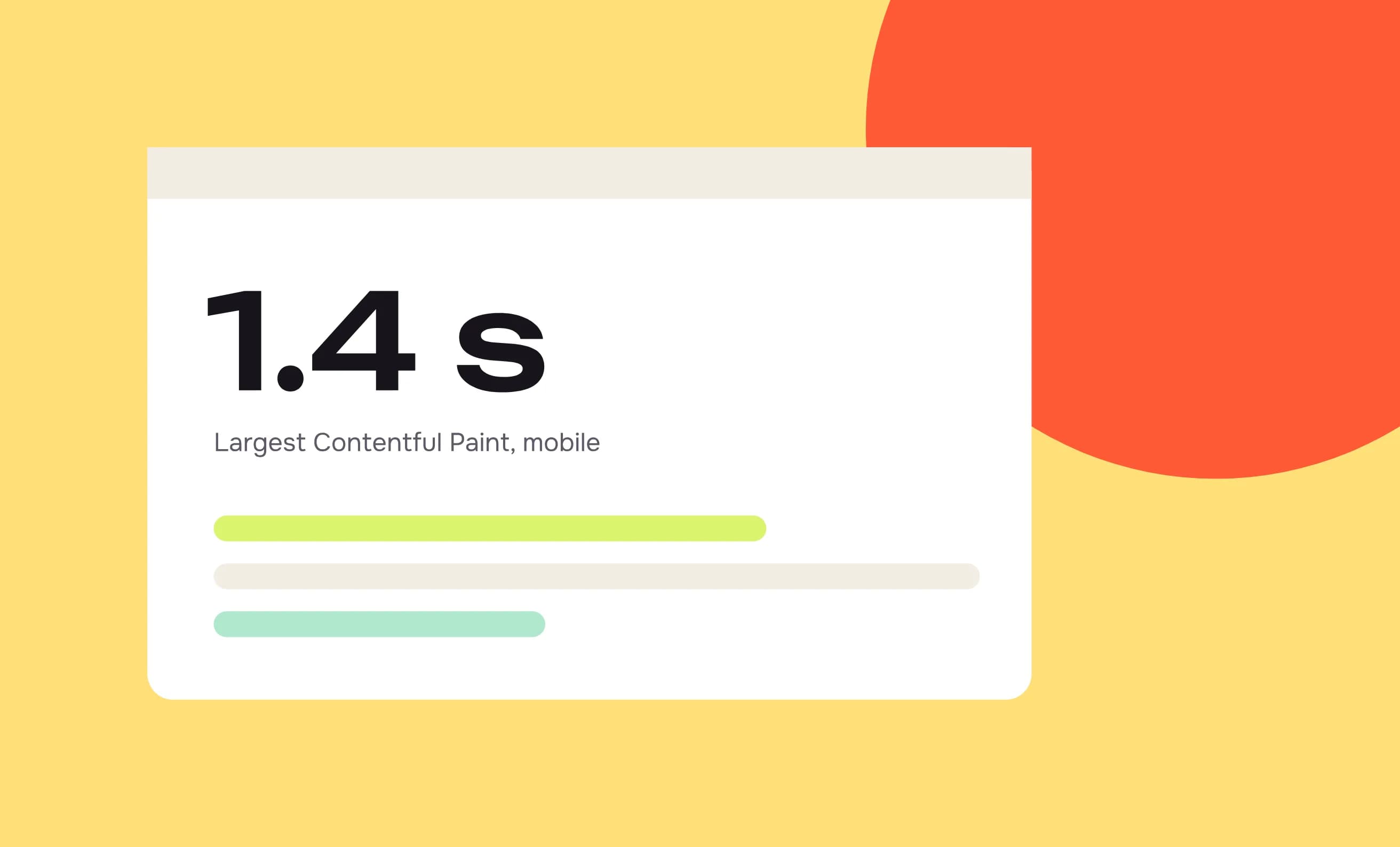
Six changes to Mosh that took Largest Contentful Paint from 3.1 s to 1.4 s on a mid-range phone, and the two that did nothing at all.
By Mark
Published November 18, 2026
- Shopify
- Performance
We spent two weeks on one question: why did Mosh feel slow on a mid-range Android phone when every lab test said it was fast? This post walks through what we found and what we changed in version 2.4.
Where the 3.1 seconds went
We recorded the home page on a Moto G Power over 4G and read the waterfall line by line.
- The hero image loaded late, because the browser found it only after the CSS.
- Two app embeds injected render-blocking scripts in the head.
- The font files were requested twice, once by the theme and once by an app.
- One of those apps was a review widget the store no longer used.
The hero image
The theme built the hero URL with image_url inside a section that rendered late. There was no lazy loading above the fold, but there was no hint either, so the browser waited.

What we changed
- Preloaded the hero image and set
fetchpriorityon it. - Moved both app embeds to load after the page became interactive.
- Self-hosted the two font files and dropped the duplicate request.
- Removed the unused review app, with the store owner’s blessing.
{{ section.settings.image | image_url: width: 1600 | image_tag: fetchpriority: 'high', loading: 'eager', sizes: '100vw' }}The fastest script is the one you never load. Half of our two weeks went into deleting things, not writing them.
What did nothing
Inlining critical CSS saved 40 ms and made the theme harder to edit, so we rolled it back. Converting every image to AVIF changed nothing the phone could measure.
Before every release
The result
Largest Contentful Paint went from 3.1 s to 1.4 s, and the mobile Lighthouse score from 64 to 97. The changes are in the Mosh docs; if your store is slow in a way this does not explain, write to us.
- Shopify
- Performance